
Other Features
Portal
Portal is a legacy workflow entry for viewing and managing historical "Portal" data.
Current Version Status
- Starting from v2.0.0, LCC Studio removed the [Portal] entry. This function is now handled by LCC Scene Editor — click [Annotation] → [Settings] → [Portal].
- Starting from v1.12.0, the [Portal] entry is only for viewing historical content; creating or importing models on this page is no longer supported.
Alternative Workflow
To create or maintain multi-scene and portal relationships, enter [My Projects] in Studio and use the "Project" workflow to open Editor for scene editing and publishing.
Historical Content Note
Existing portal scenes that lack necessary project files may not display or open in the list. Migrate this content to the new project workflow under [My Projects] for continued maintenance.
Recently Viewed
Records all locally reconstructed models browsed in the software, distinguishing between .lcc and .ply model formats.
Featured Gallery
In the [Featured Gallery] list, view curated model showcases from the LCC team.
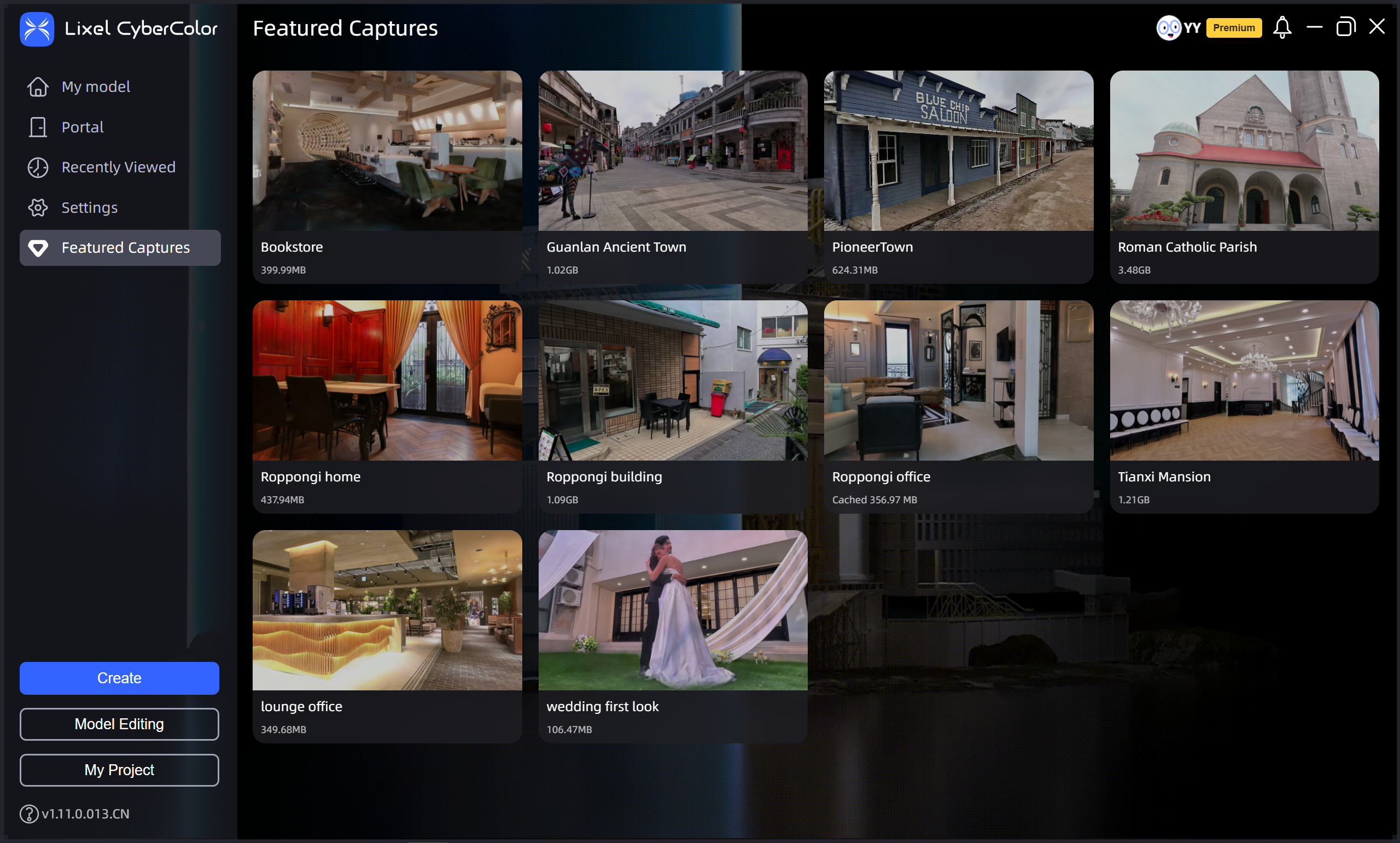
Featured Gallery
My Projects
Enter LCC Scene Editor from [My Projects] to manage work content per project file. Projects contain models, imported models, resources, and editing data for continuous editing and version maintenance.
Since v2.0.0:
- LCC Editor has been renamed to LCC Scene Editor, focusing on 3DGS scene construction and application with expanded business capabilities.
- Open LCC Model Editor from within LCC Scene Editor by clicking [Model Edit], or download LCC Model Editor from the official website to edit and create 3DGS models.