
What's New: Features Added in This Release
This page summarizes the features added and improved in this release, each with a link to its detailed documentation. For the full list of changes and fixes, see the Changelog.
New Features
URL Data Loading (Pro)
Models in the LCC2 pipeline (LCC2 / PLY / SPZ / SOG) can be loaded directly from an http(s) address. They do not need to be placed in the project or packaged with the game. Path-style and parameter-style URLs are supported, as are ZIP archives that contain a single model, and authentication information can be passed through Request Headers. Downloaded content is cached locally, and the old cache is used when the network is unavailable.
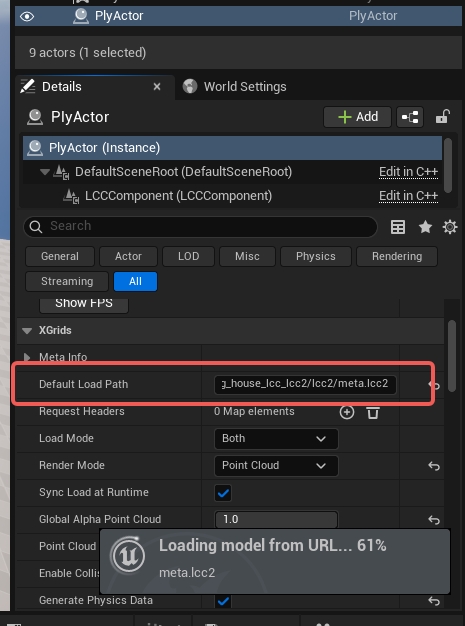
Entering a URL in Default Load Path
See URL Data Loading (Pro) for details.
Object Physics Simulation
After enabling Enable Collision and checking Generate Physics Data, check Simulate Physics on the root component. The LCC model then falls under gravity, collides, and can be pushed like an ordinary Static Mesh. This suits scanned models of single objects such as chairs, boxes, and props.
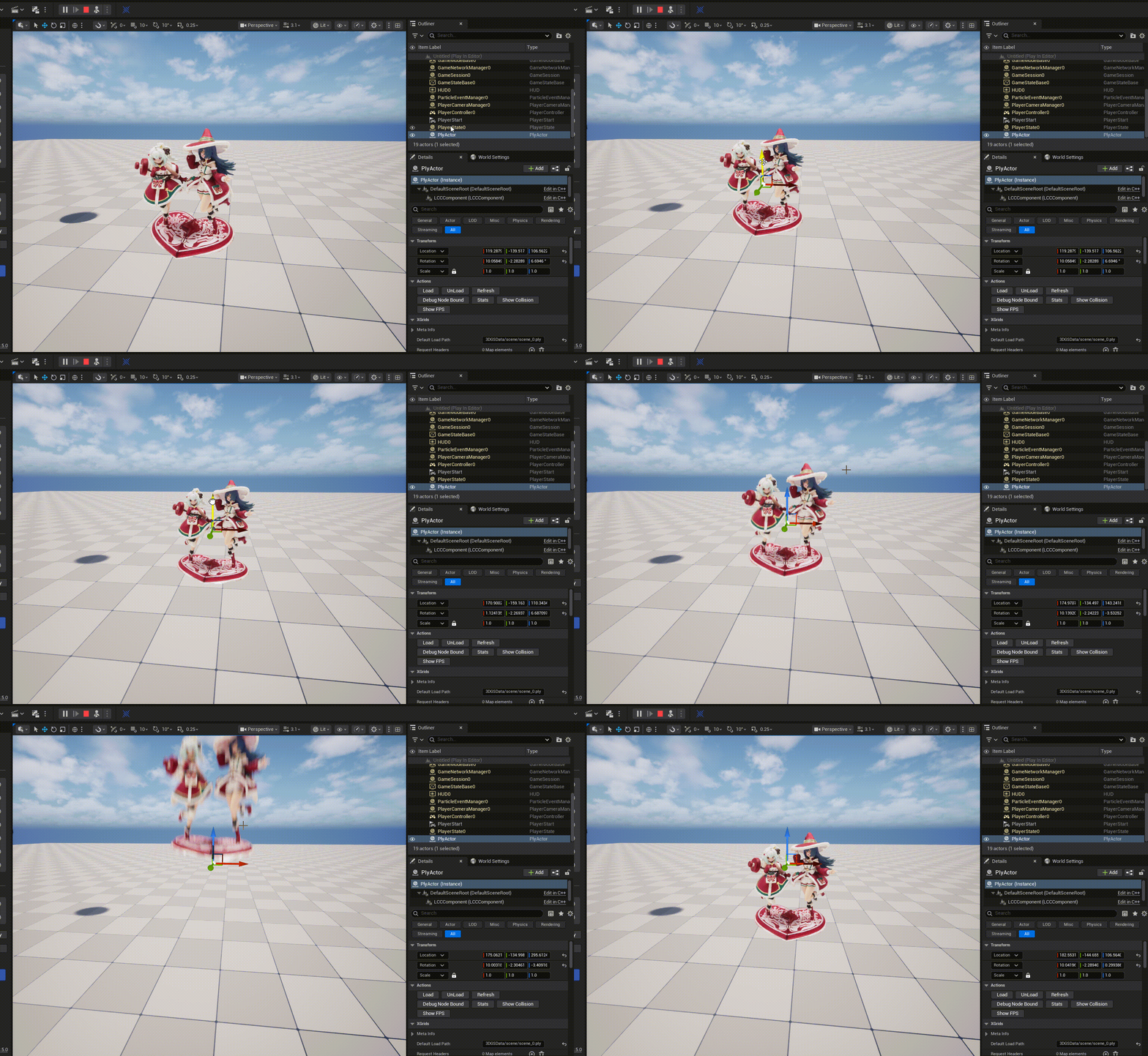
Physics simulation result: the model falls under gravity and collides with the scene
See Collision - Object Physics Simulation for details.
Point Cloud PLY Loading
Ordinary point cloud PLY files without Gaussian attributes (point clouds exported from laser scanning or photogrammetry) can be loaded directly, and each point is shown as a small dot. The plugin reads the file header to determine the type, so no manual selection is needed.
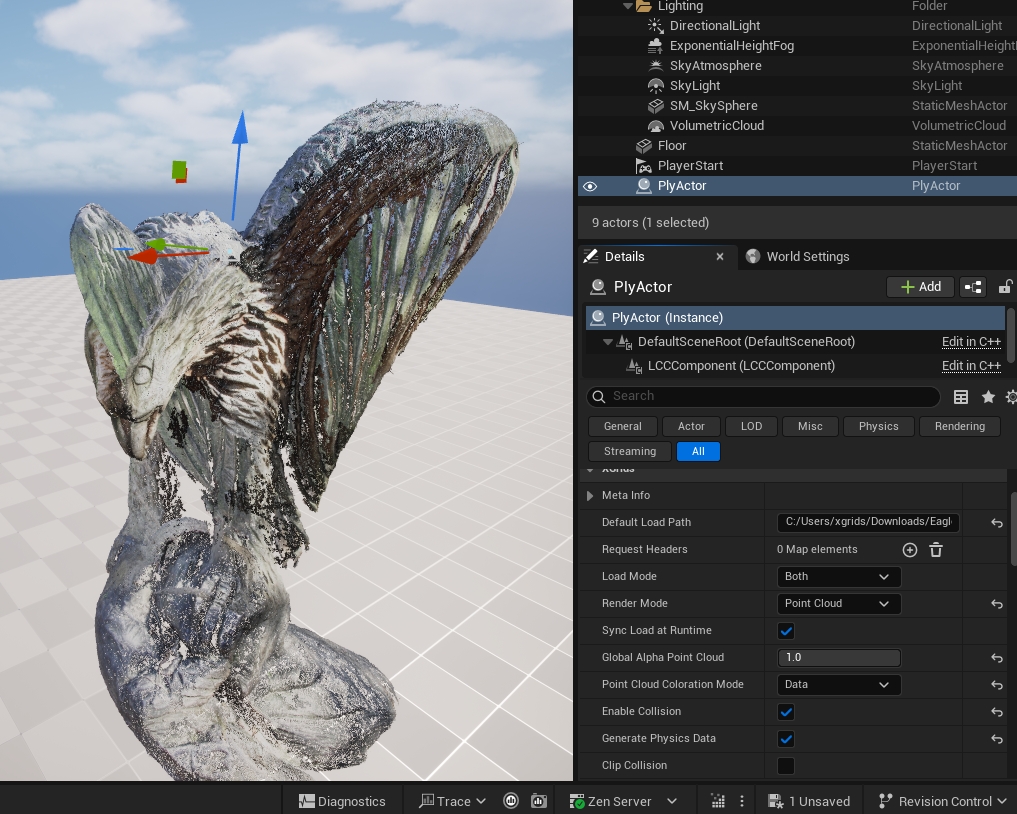
Point cloud PLY loading
See FAQ - Is PLY import supported? What are the requirements for PLY? for details.
Per-camera Load Status Query
You can query whether the data in the view of a given player or SceneCapture has finished loading. Use it to wait for the image to fill in before teleporting, switching cameras, or capturing a screenshot.
See Best Practices - Wait for Data Before Teleporting or Capturing for details.
Editor
- When a new version of the plugin is detected, the editor shows a notification that can open the download page directly.
- While Movie Render Queue is rendering, the editor automatically releases the 3DGS data of the edited level, so that two copies are not held in video memory at the same time. The data is reloaded automatically when rendering finishes. See Third-party and Engine Plugin Integration - 360-degree Video Output for details.
Improvements
- Moving LCC Actors now write velocity information, so TSR / TAA can tell object motion from camera motion. See Visual Settings - Anti-aliasing for details.
- The upper limit of
Frustum Cull Marginwas raised from 2.0 to 5.0. See Performance Parameters - Frustum Cull Margin for details.