
Flythrough
The Flythrough feature lets you record a camera roaming path and export it as a video.
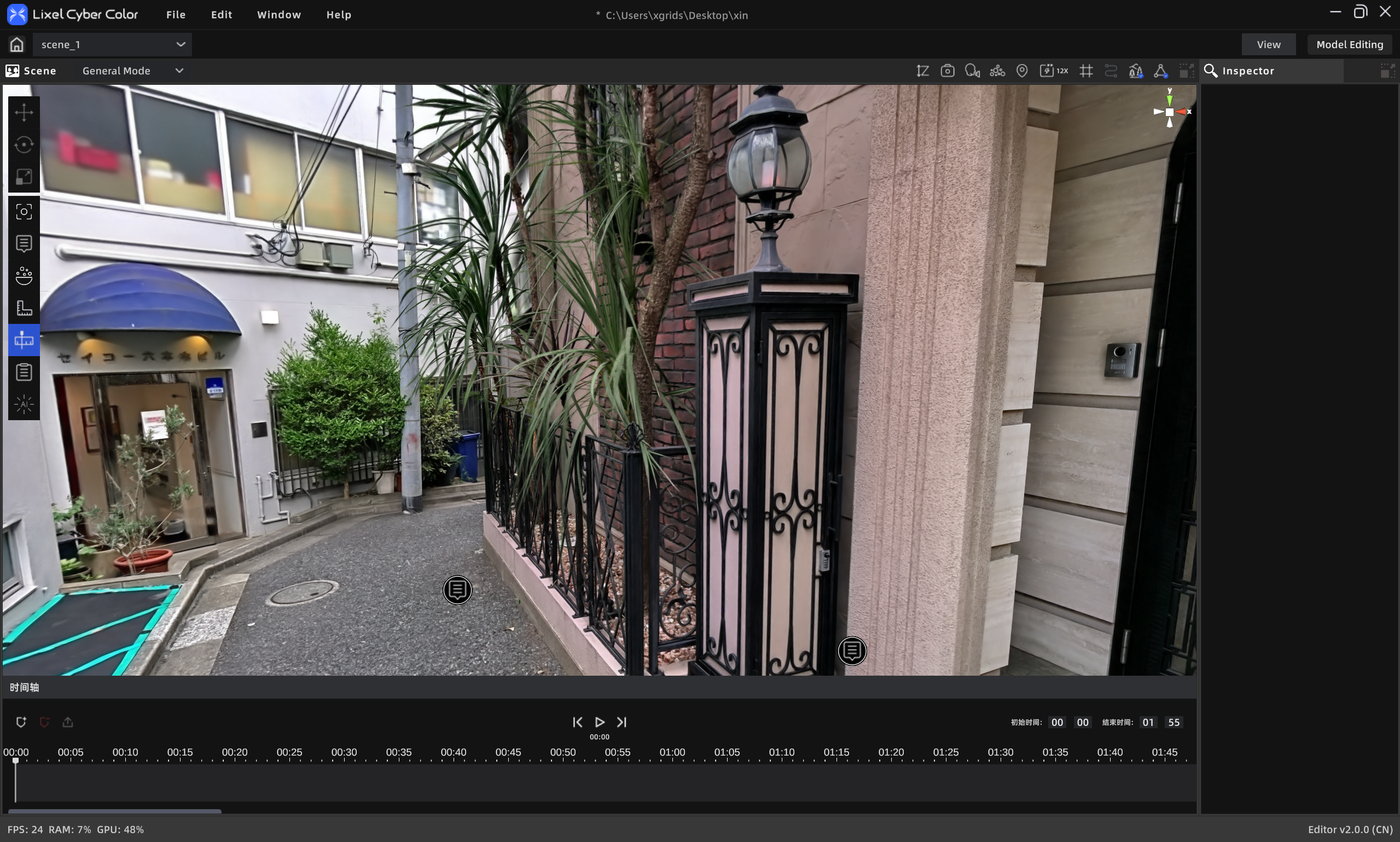
Flythrough
Workflow
- Click to add a keyframe, recording the current camera position and angle on the timeline
- Navigate to the next desired position and click to add another keyframe; repeat until all frames are added
- Manually enter the desired end time (default: 0 s – 1 min 55 s)
- Click the video export button to open the video render panel
- Select render parameters
- Optionally check "Add to media render list"
- Click Confirm
Tips
- Select an existing keyframe and click Delete to remove it
- Click the Play button to preview the recorded animation
- Drag the playhead to preview the animation at any point in real time