
Left Toolbar
The left toolbar shows different tools per mode.
General Mode
General Mode includes transform tools and function tools.
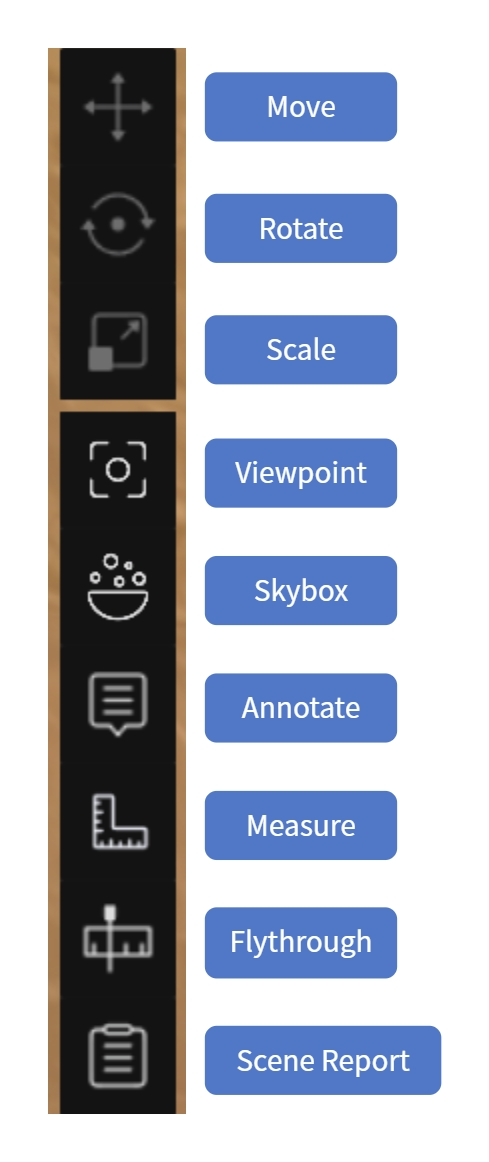
General Mode left toolbar
Transform Tools
Adjust the position of a selected model or asset.
| Tool | Description |
|---|---|
| Move | Translate along the X/Y/Z axes |
| Rotate | Rotate around the X/Y/Z axes |
| Scale | Scale uniformly |
When active, the gizmo appears at the object center; drag a handle to operate.
Function Tools
| Tool | Description | Section |
|---|---|---|
| Viewpoint | Create and manage Guided Tour / Flythrough Path / Area View | Viewpoint |
| Skybox | Replace the scene background | Skybox |
| Annotate | Add annotation points | Annotation |
| Measure | Get coordinate, distance, and area data | Measure |
| Flythrough | Record a camera flythrough and output video | Flythrough |
| Scene Report | Generate and manage scene reports | Scene Report |
Scene Mode
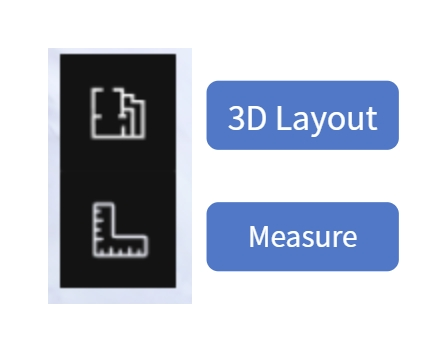
Scene Mode left toolbar
| Tool | Description | Section |
|---|---|---|
| 3D Layout | View and edit AI-generated floor plans; plot walls/doors/windows | 3D Layout |
| Measure | Get coordinate, distance, and area data | Measure |