
Flythrough
The Flythrough tool records a camera flythrough and outputs video.
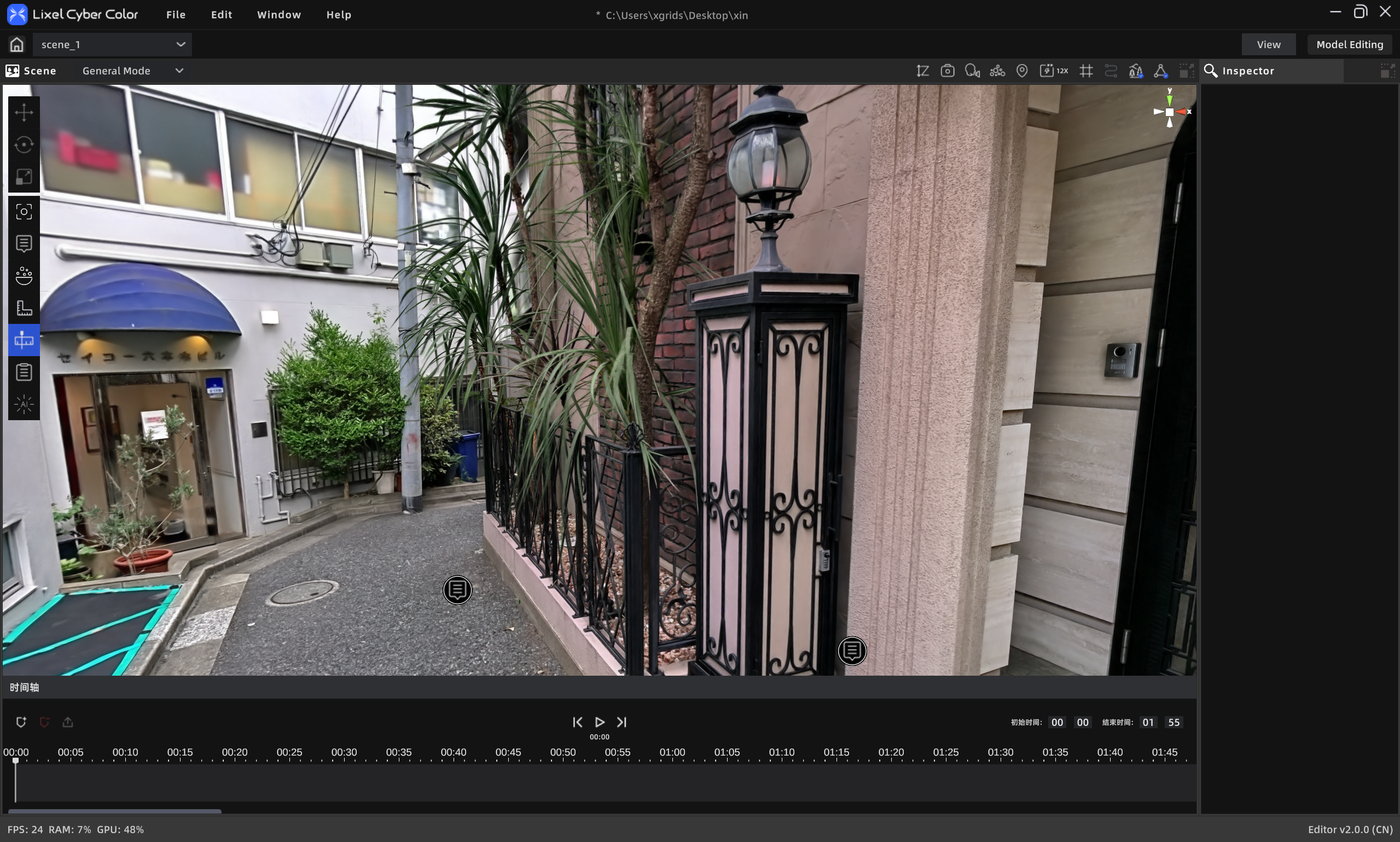
Flythrough
Workflow
- Click Add Keyframe to record the current camera position and view on the timeline.
- Move through the scene to the next position you want, then click Add Keyframe. Repeat until all frames are added.
- Set the end time (default 0 sec – 1 min 55 sec).
- Click Render Video to open the render settings.
- Choose render parameters.
- Optionally add to the render queue.
- Click OK.
Notes
- Select a keyframe and click Delete to remove it.
- Click Play to preview the recording.
- Drag the playhead to preview added animation frames in real time.